Kinetic UI — Spring-Animated Interface System for GameMaker
A downloadable asset pack
Most UI libraries arrange your art. This one draws the interface.
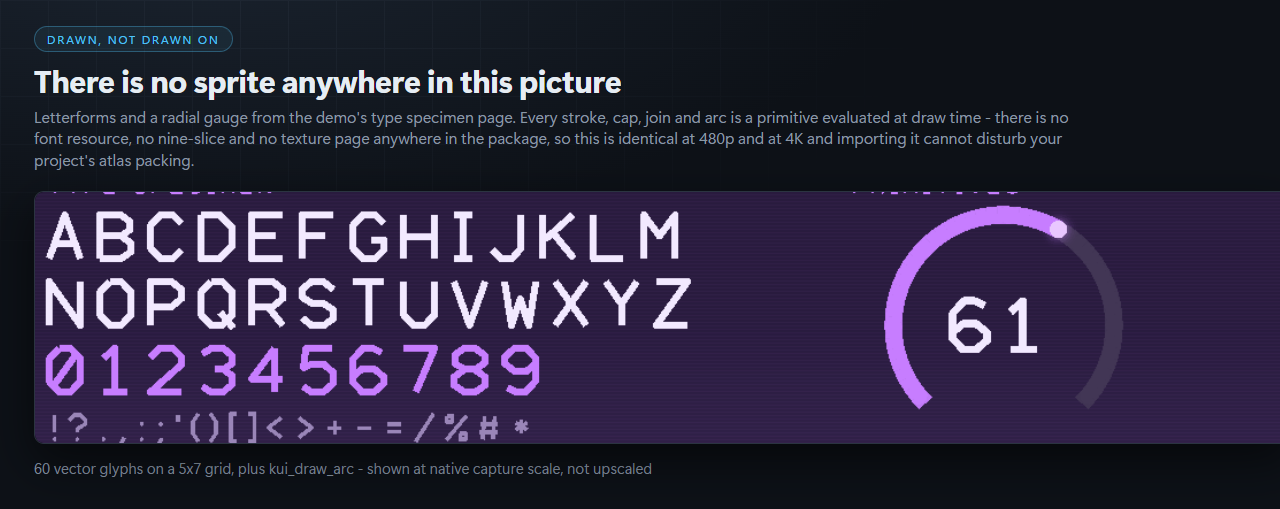
Kinetic UI is a complete interface layer for GameMaker Studio 2 in which every panel, border, bar, gauge, glyph and highlight is generated from primitives and colour maths at draw time. There are no sprites, no nine-slice PNGs, no font resources and no texture pages anywhere in the package.
Three consequences you can see immediately:
- Sharp at any resolution, 480p to 4K, from one code path.
- Importing it cannot disturb your project's atlas packing, because it adds nothing to it.
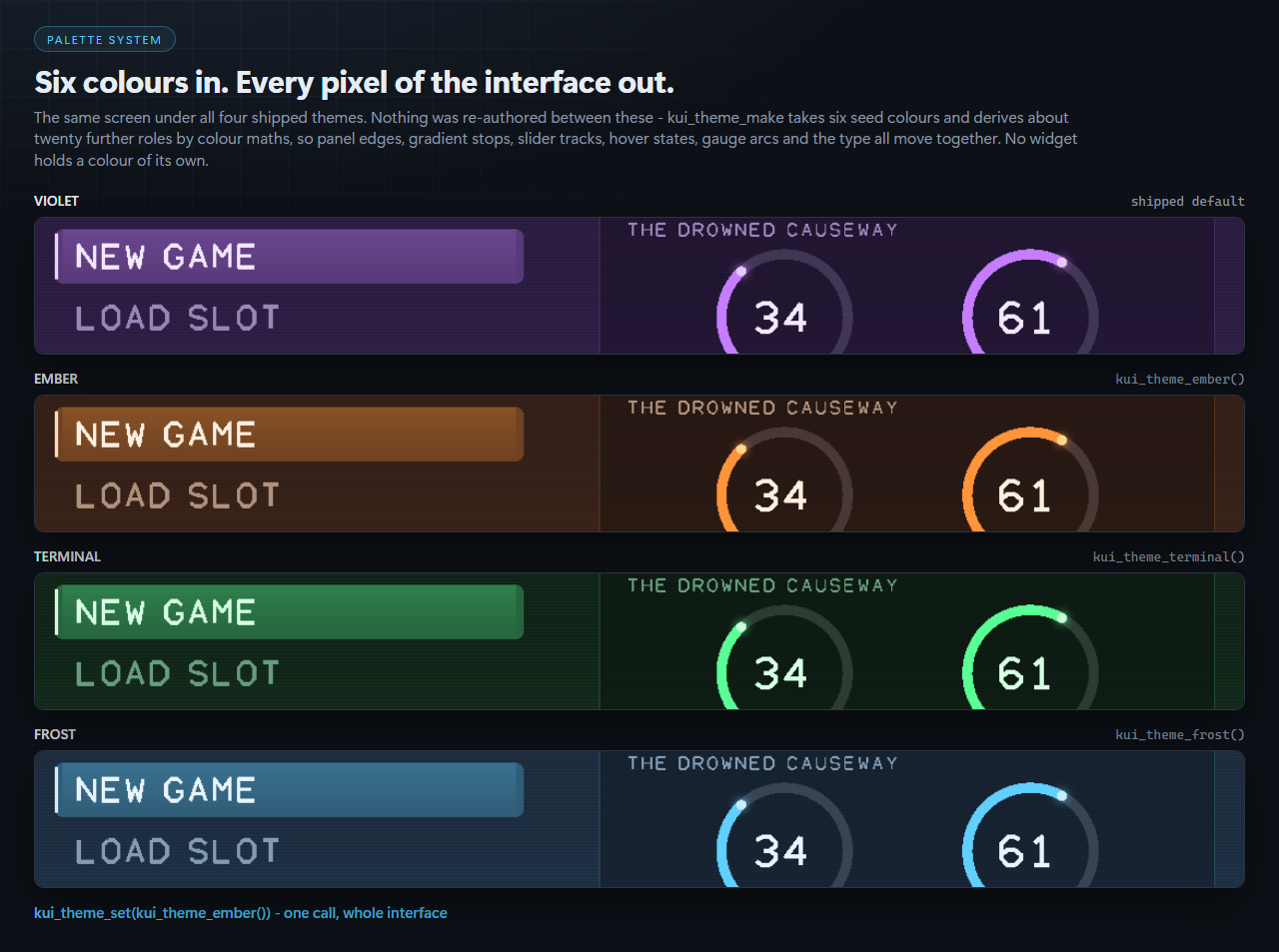
- Retheming is six colours, not a re-export of every asset.
Motion is a spring, not a tween
A tween is a fixed schedule evaluated over a known duration. Change the target while it is running and you have to restart it — which is the hitch you feel in hand-rolled menu code when the player changes selection mid-animation.
A spring has no duration and no schedule. It holds a position and a velocity and it can be retargeted on any frame, so a fast double-tap glides through the middle row instead of stuttering at it. GameMaker’s built-in Animation Curves are good at the first case and cannot express the second. Kinetic UI ships both: a spring integrator and 13 named easing curves.
Honest positioning
GameMaker has good UI libraries and several are free. Bento and Scribble (JujuAdams, MIT) are excellent, and Kinetic UI is complementary to both rather than a replacement. AutoUi, Gooey, GGL and Legacy UI are sprite-driven layout systems — you supply the art, they arrange it. Emu draws procedurally too, and does it well, but it is styled for software applications rather than games and it has no animation.
What Kinetic UI does that none of those combine: it draws the interface itself, it looks like it belongs in a game, and it moves on springs. If you want a library that arranges sprites you have already made, buy one of the cheaper ones — they are good at that. If you want an interface that arrives already designed, this is the one.
What ships
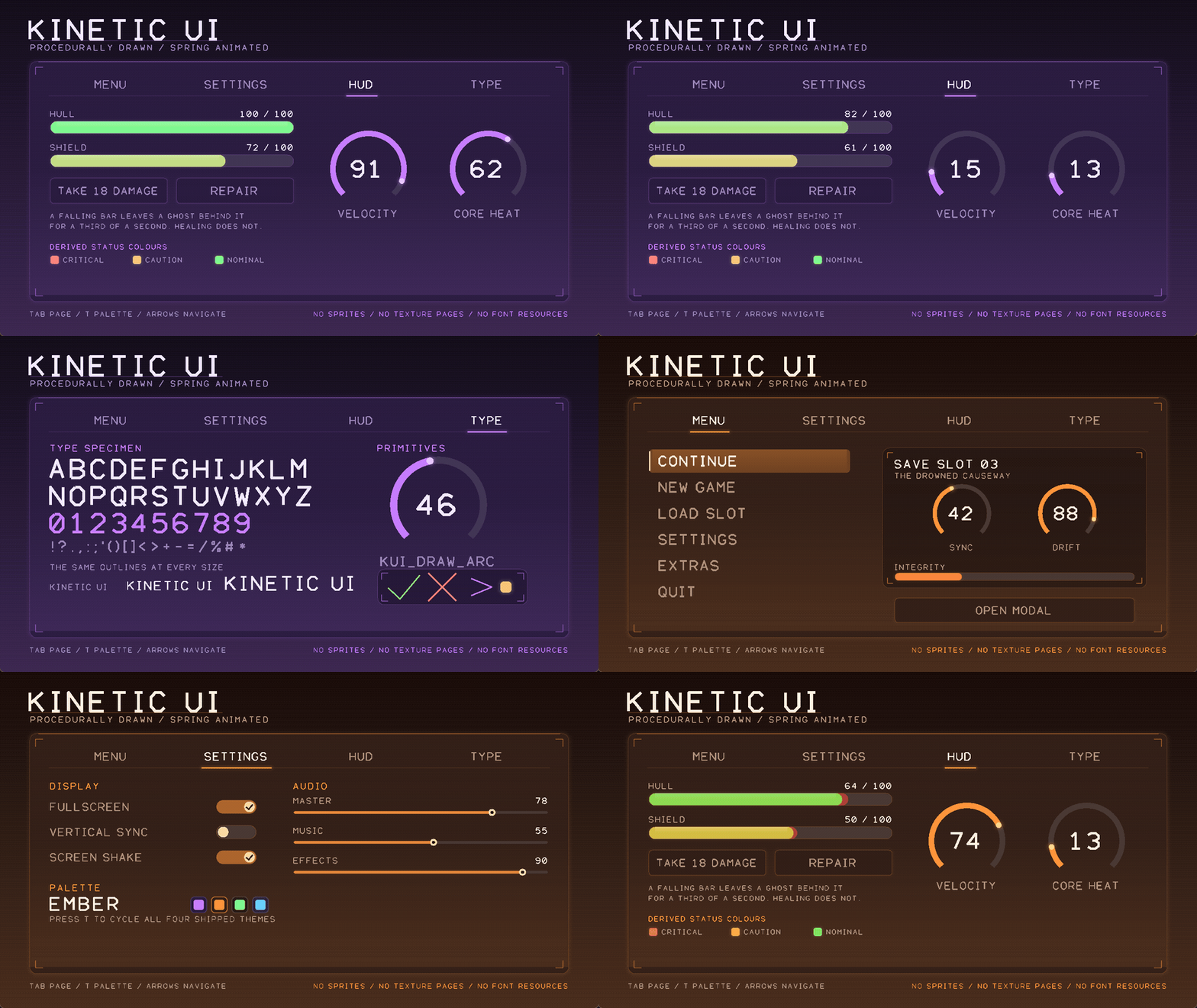
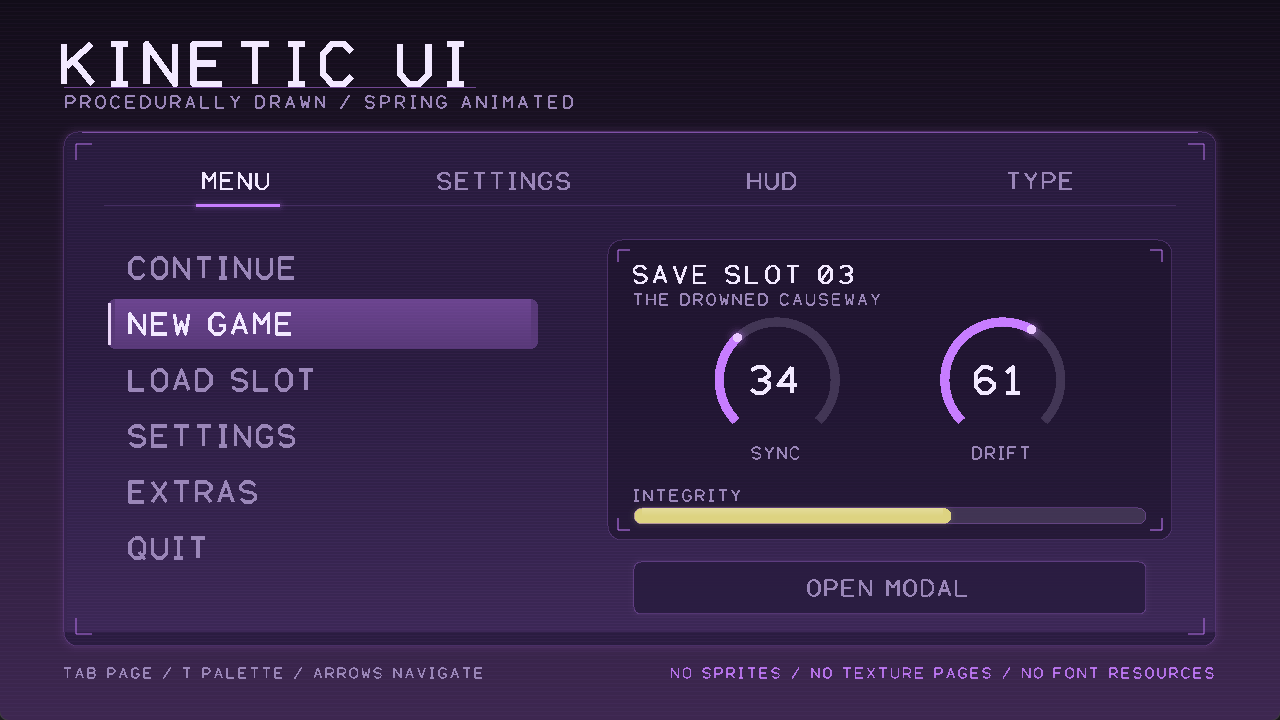
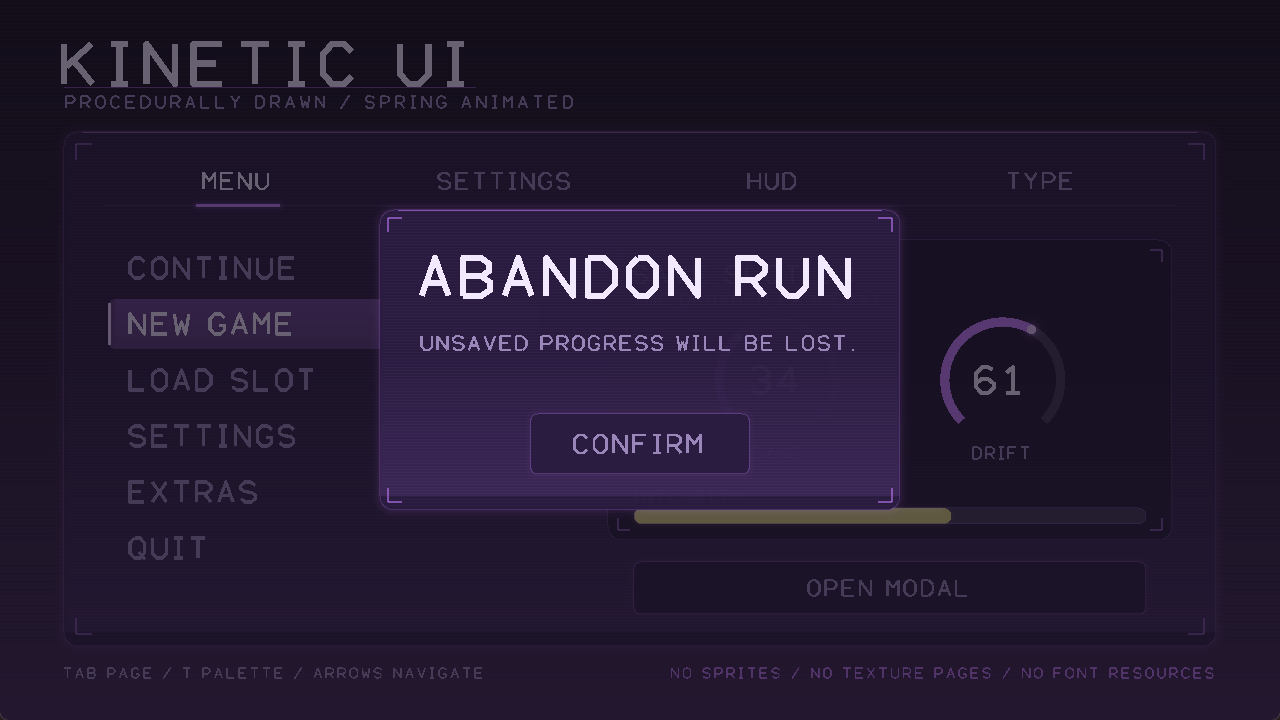
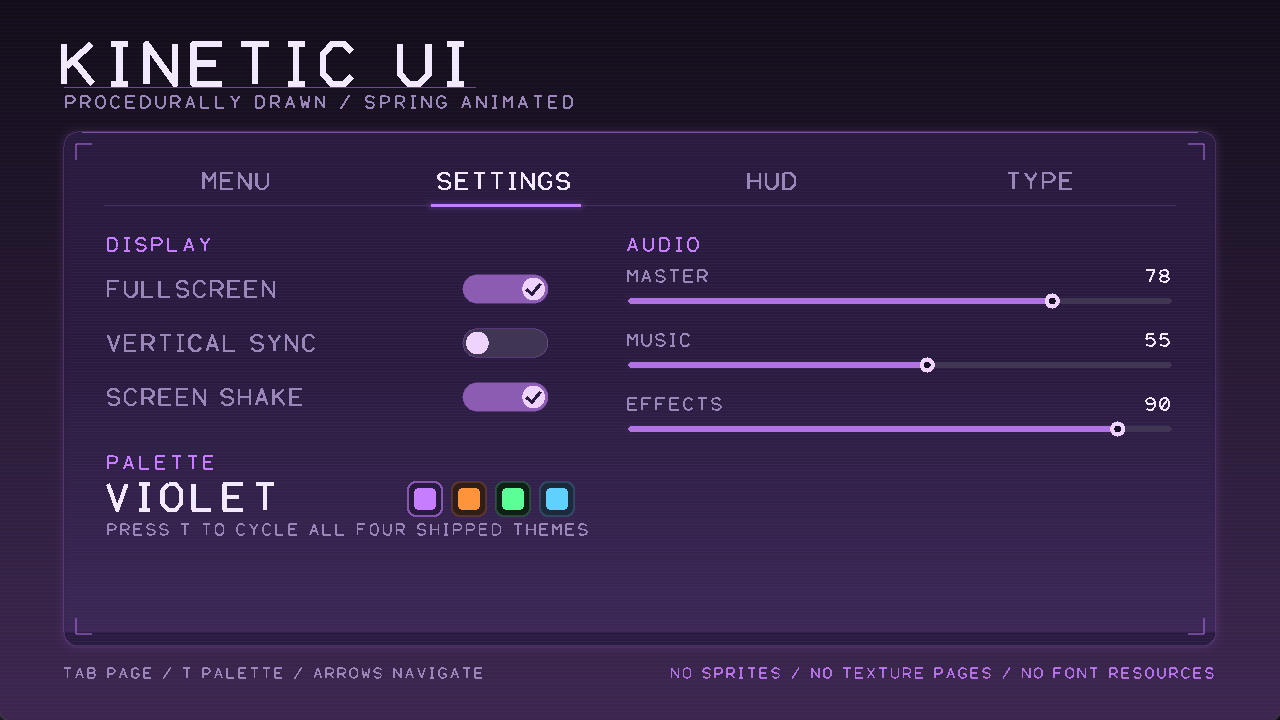
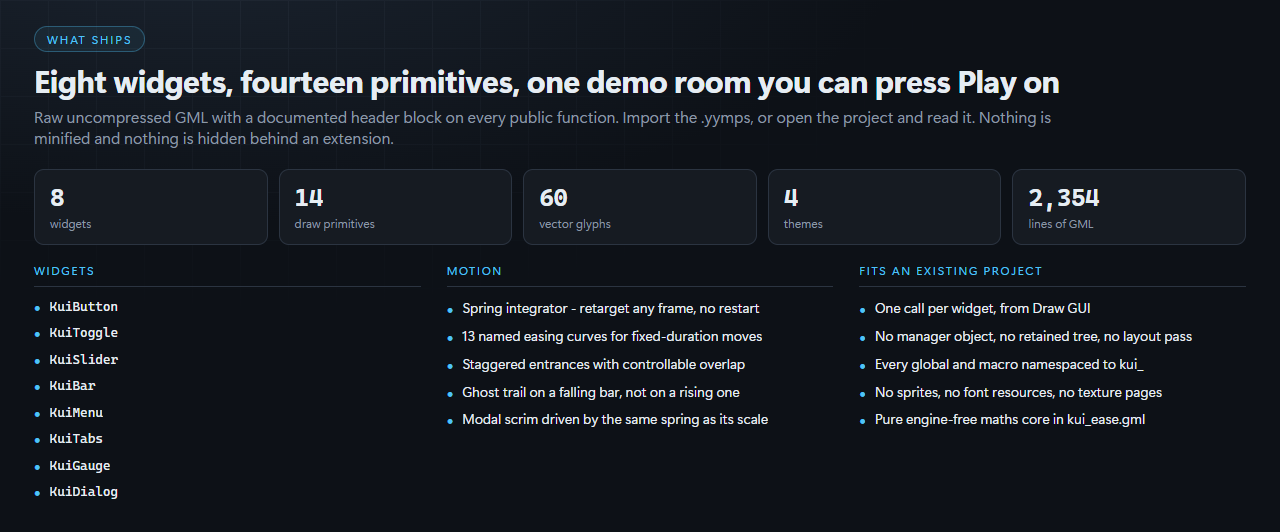
- 8 widgets — Button, Toggle, Slider, Bar, Menu, Tabs, Gauge, Dialog
- 14 draw primitives — rounded rect and matching outline, gradient, glow, arc, backdrop, panel, highlight, scanlines, corner ticks, chevron, check, cross
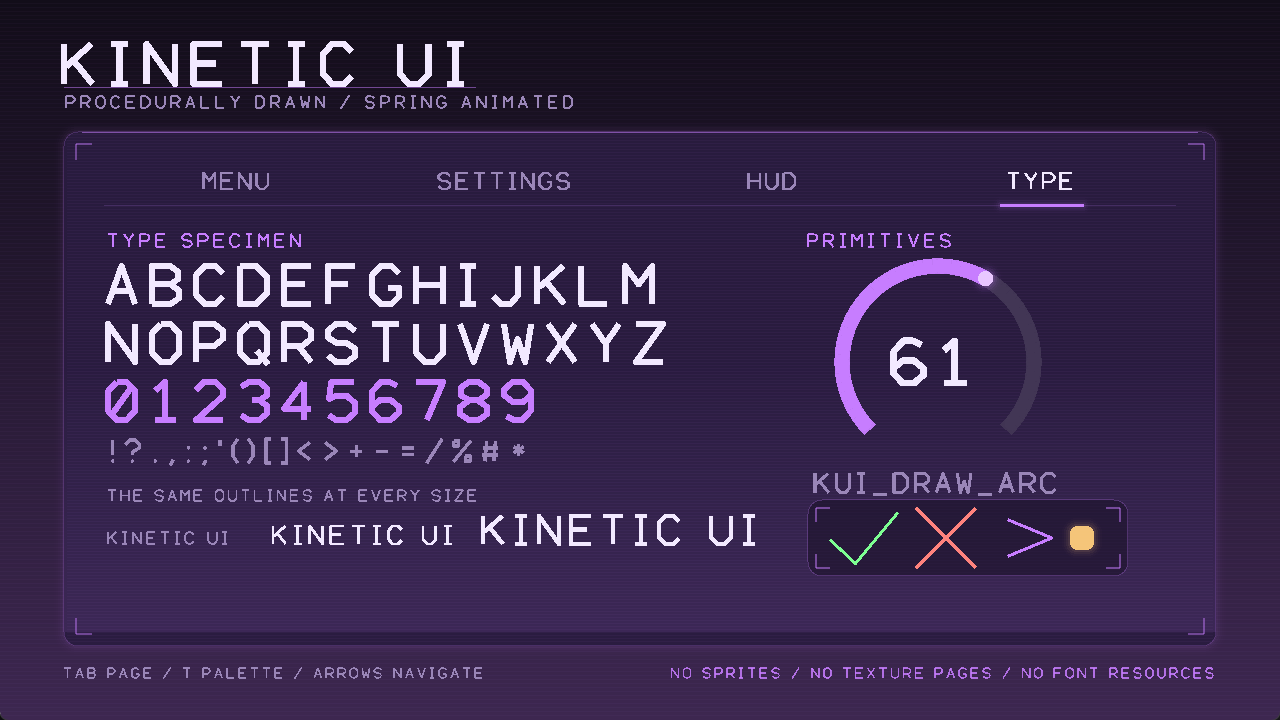
- A 60-glyph vector typeface — full uppercase alphabet, digits and 24 symbols on a 5×7 grid
- 4 themes — Violet, Ember, Terminal, Frost. Press T in the demo to cycle.
- 13 easing curves, a spring integrator and a stagger helper
- A runnable demo room with four pages, including a type specimen. Press F5.
2,354 lines of raw, uncompressed, documented GML. Every public function carries a header block. Nothing is minified — you are a developer and you will need to read and extend it.
Details that matter
- One call per widget, from Draw GUI. No manager object, no retained tree, no layout pass, nothing to initialise and nothing to free.
- A falling bar leaves a ghost behind it for a third of a second. A rising one does not — a bar that grows has nothing to explain.
- The modal’s scrim is driven by the same spring as its scale, so the dim and the panel are never out of step.
- Long strings shrink to fit their box. A button label longer than the button does not spill.
- Every global and macro is namespaced. GML’s global namespace is flat and shared with your code.
- The maths core is pure — kui_ease.gml makes no engine calls at all.
Verification, stated plainly
GML cannot be unit-tested outside the engine, and this page will not pretend otherwise. What has actually been verified:
- A real headless Igor build compiles and packages the project clean — exit 0, 0 errors, 0 warnings, 136 resources, on runtime 2024.14.4.268.
- The .yymps payload was extracted and compiled on its own, to prove the package is complete.
- Every screenshot on this page is a frame from the running executable, not a mock-up.
No frame-time number is quoted anywhere, because there is no honest way to produce one outside your project. Profile it on your target.
What you get
A single archive containing KineticUI.yymps (Tools → Import Local Package), the raw GameMaker project so you can open it and press F5, a readme and the licence.
Requirements
GameMaker Studio 2, built against runtime 2024.14.4.268. Pure GML — no extensions, no shaders, no platform-specific calls. Built and run on Windows; nothing in it is platform-specific, but Windows is what has been tested.
Licence: use it in unlimited commercial or free games, modify it freely, keep 100% of your revenue. Do not resell or redistribute the package itself.
More from CSAF
Editor tooling across four engines, all shipping raw readable source under the same terms — unlimited commercial use, no royalties, no redistribution of the tool itself.
- CoreCLR Migration Scanner (Unity) — find every Mono-dependent construct before Unity 6.8 removes it.
- Asset Sentinel (Unreal Engine 5) — asset standards, budgets and folder policy as data assets, enforced headless in CI.
- The full catalogue — including six gameplay systems for RPG Maker MZ.
Purchase
In order to download this asset pack you must purchase it at or above the minimum price of $29.99 USD. You will get access to the following files:
Development log
Leave a comment
Log in with itch.io to leave a comment.