Roomlight - Baked Lighting for Spawned Prefab Rooms in Unity 6
A downloadable tool
Unity bakes lighting per scene. A room you build as a prefab and spawn at runtime arrives with no baked lighting at all: a looping hallway, a procedural dungeon or a pooled level chunk is lit only by its lights in real time. Flat, no bounce light, no soft baked shadows, and a pixel light budget that runs out after a few rooms. Roomlight bakes each room prefab once, on its own, and every spawned copy carries that bake.
What it does
- Bakes each room prefab alone with Unity's own lightmapper, at the texel density, page size and padding you set per room. Your open scenes are put back afterwards and your prefab's static flags are never changed.
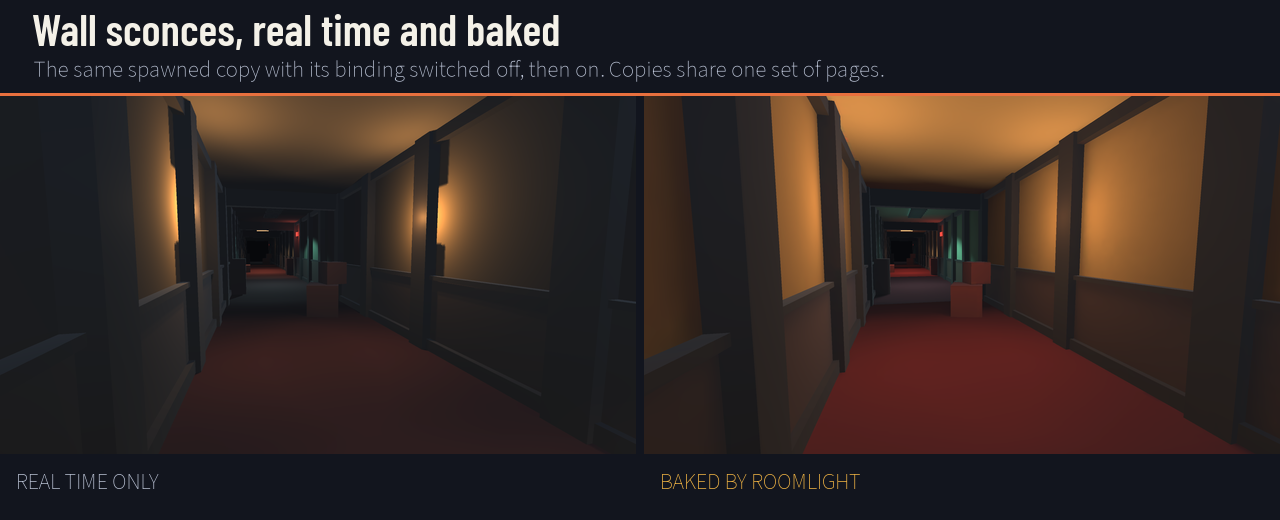
- Writes the bake into the prefab. The lightmap pages go beside the prefab, and a Roomlight Room component records which page each renderer reads and where. Baked lights carry their baking output too, so a spawned copy never lights itself twice.
- No code at runtime. A copy binds when it is enabled and lets go when it is disabled or destroyed. Copies of one room share one set of pages. Your scene's own lightmaps are never touched, freed slots are reused, and after a scene load Roomlight puts its pages back if Unity rebuilt the list.
- Pooling works: deactivate a room, move it, reactivate it.
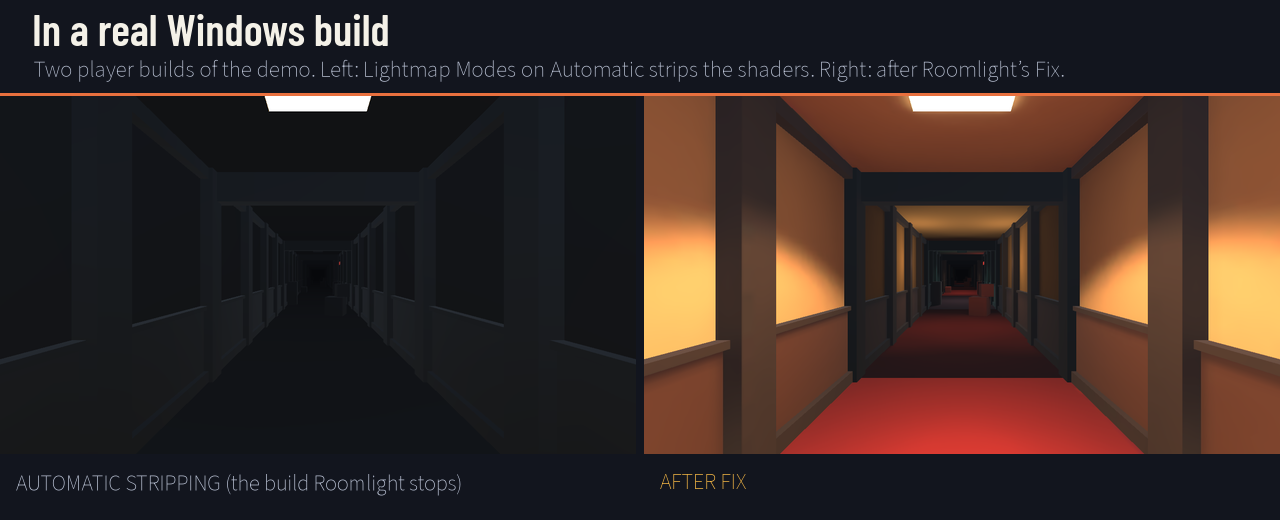
- Stops the build that renders your rooms unlit. With Lightmap Modes on Automatic, a player build keeps only the lightmap shaders the scenes in the build use, so rooms spawned into a scene with no baked light of its own lose theirs. Roomlight stops that build and names the fix; one click (or Auto-fix on build) sets the modes your rooms need.
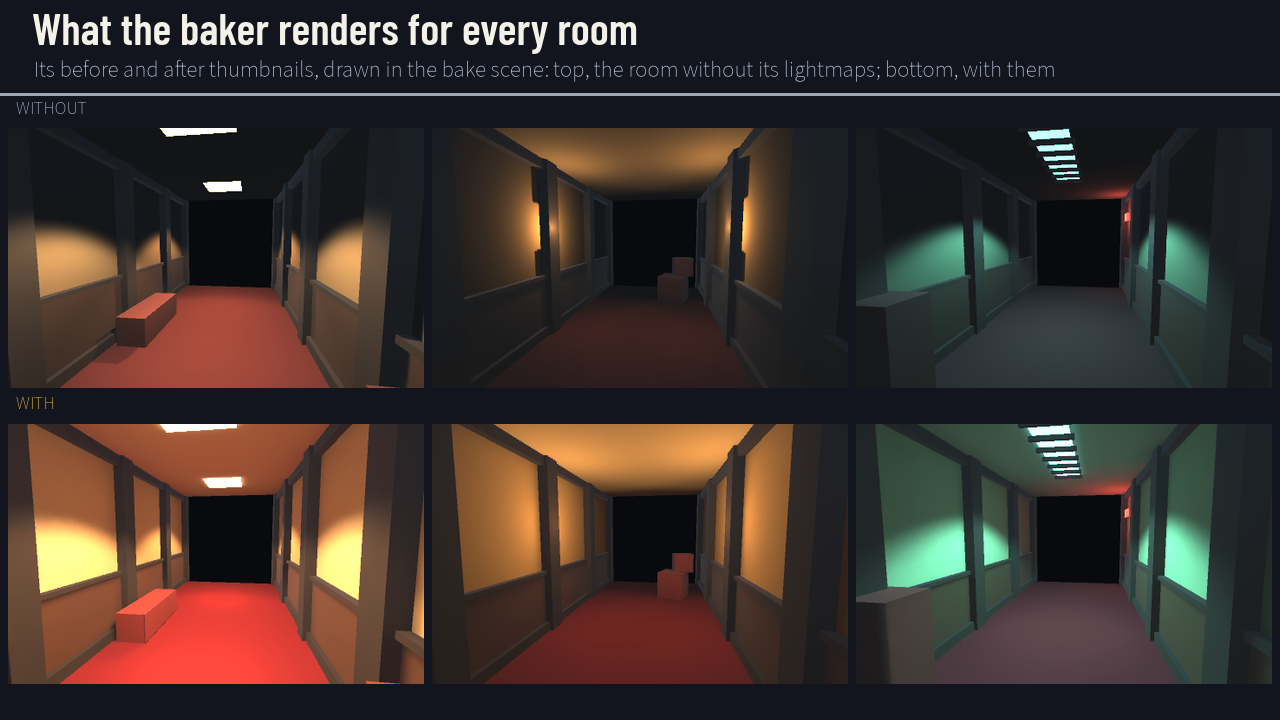
- The Roomlight window: a card per room with its state (Baked, Stale, Not Baked, Failed), the before and after thumbnails the baker renders, a texel budget bar, the build check, per-room settings, Bake All and Fix UVs.
- Knows when a room is stale: change a renderer, mesh, material or light in it and the room reads STALE.
- A CI check that exits 1 when any room is stale or the build would strip the shaders, and a batch Bake All.
Measured (Unity 6000.5.7f1, Built-in Render Pipeline)
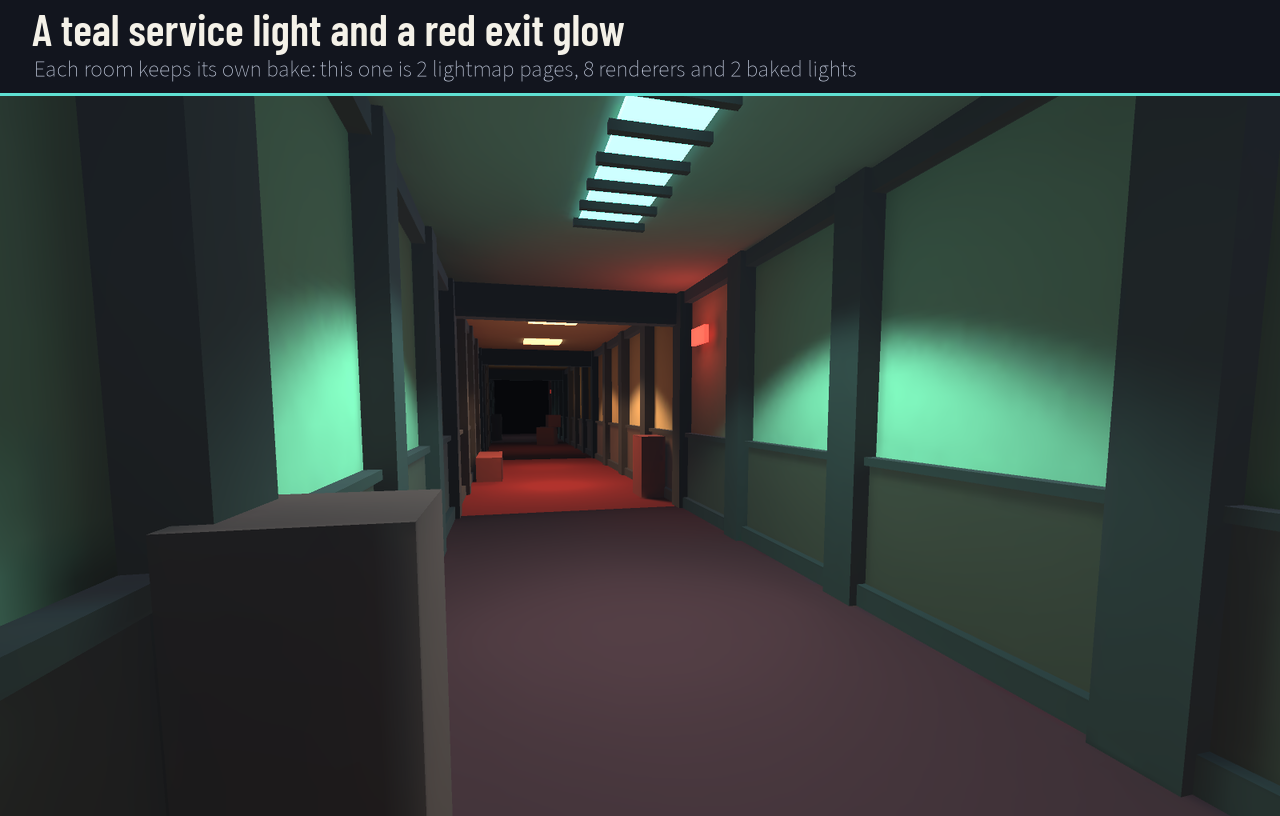
- Each of the three demo rooms was baked by Roomlight itself, alone, with Unity's lightmapper in batch mode: 2, 2, 2 pages, 7, 7, 8 renderers and 2, 2, 2 baked lights, 34 to 38 seconds a room.
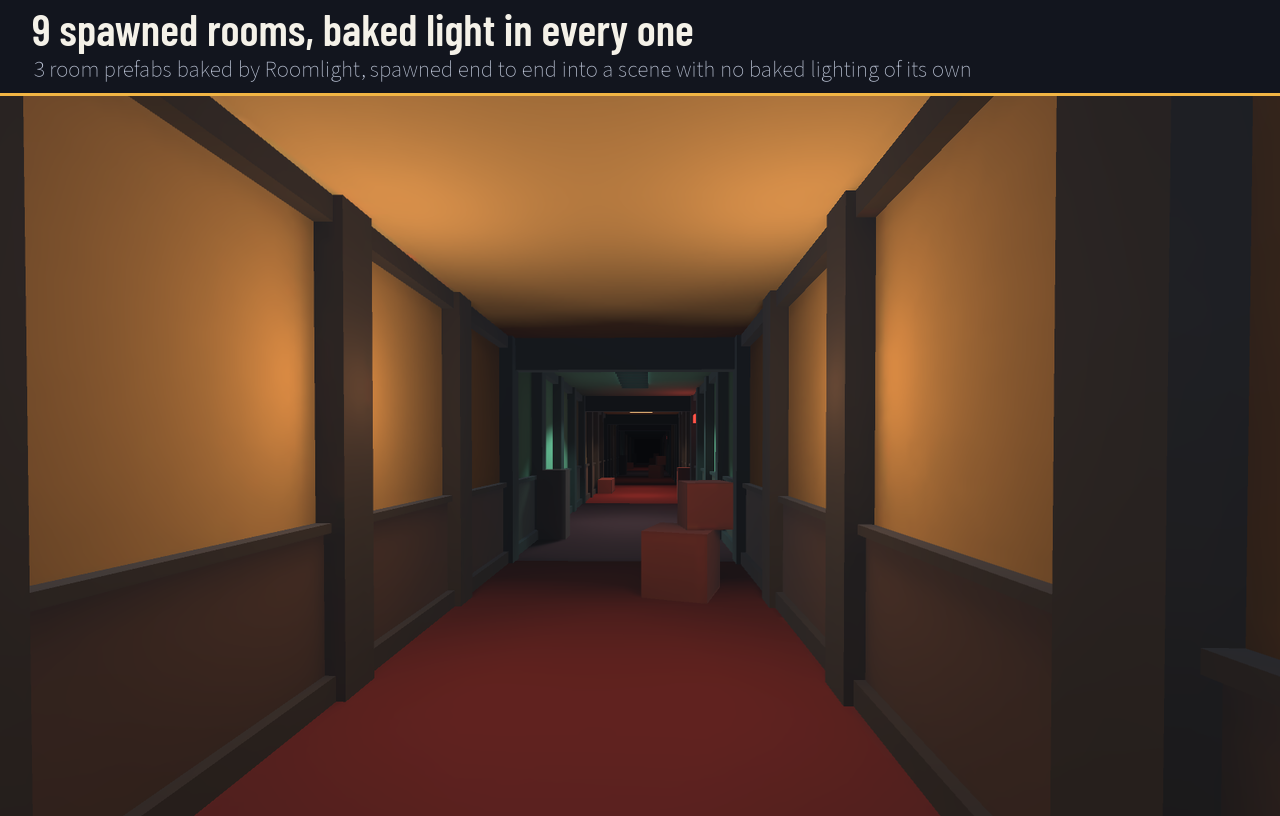
- 9 spawned copies of the three rooms, all bound: 9 of 9, sharing 6 lightmap slots (3 rooms, two pages each), not 18.
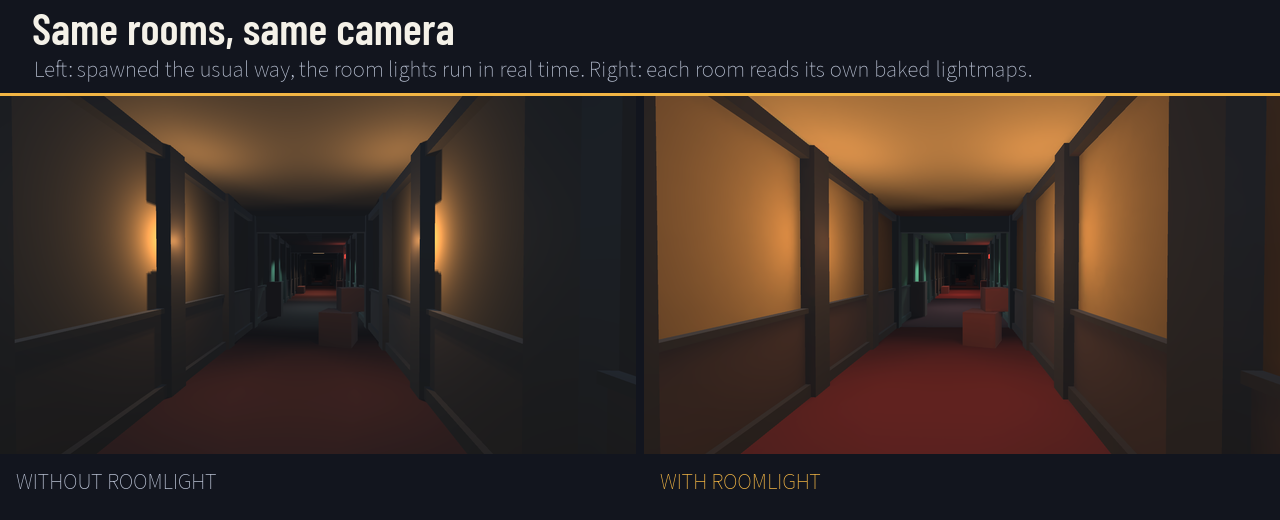
- In a real Windows player build of the demo, all 66 of 66 spawned renderers read their room's bake. Mean brightness of the same view: 78.9 with Roomlight, 48.5 with the rooms' lights in real time.
- The same build with Lightmap Modes left on Automatic: 23.9, darker than real time, because the lightmap shaders were stripped. Roomlight's build check stopped that build before it was made; Auto-fix on build made it safe and the build succeeded.
- Installed from the shipped .unitypackage into a blank project with no graphics device: 13 of 14 tests passed, 0 failed (one thumbnail test needs a GPU), and the rooms baked headless.
The demo
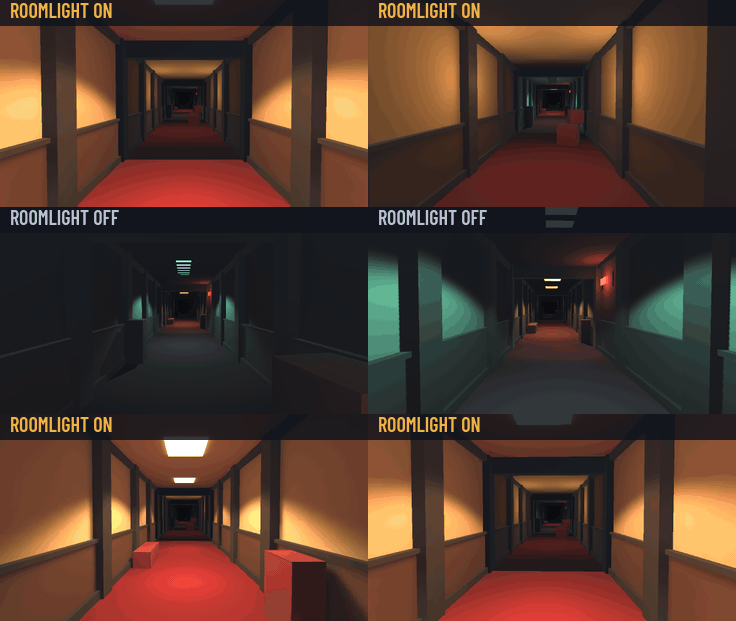
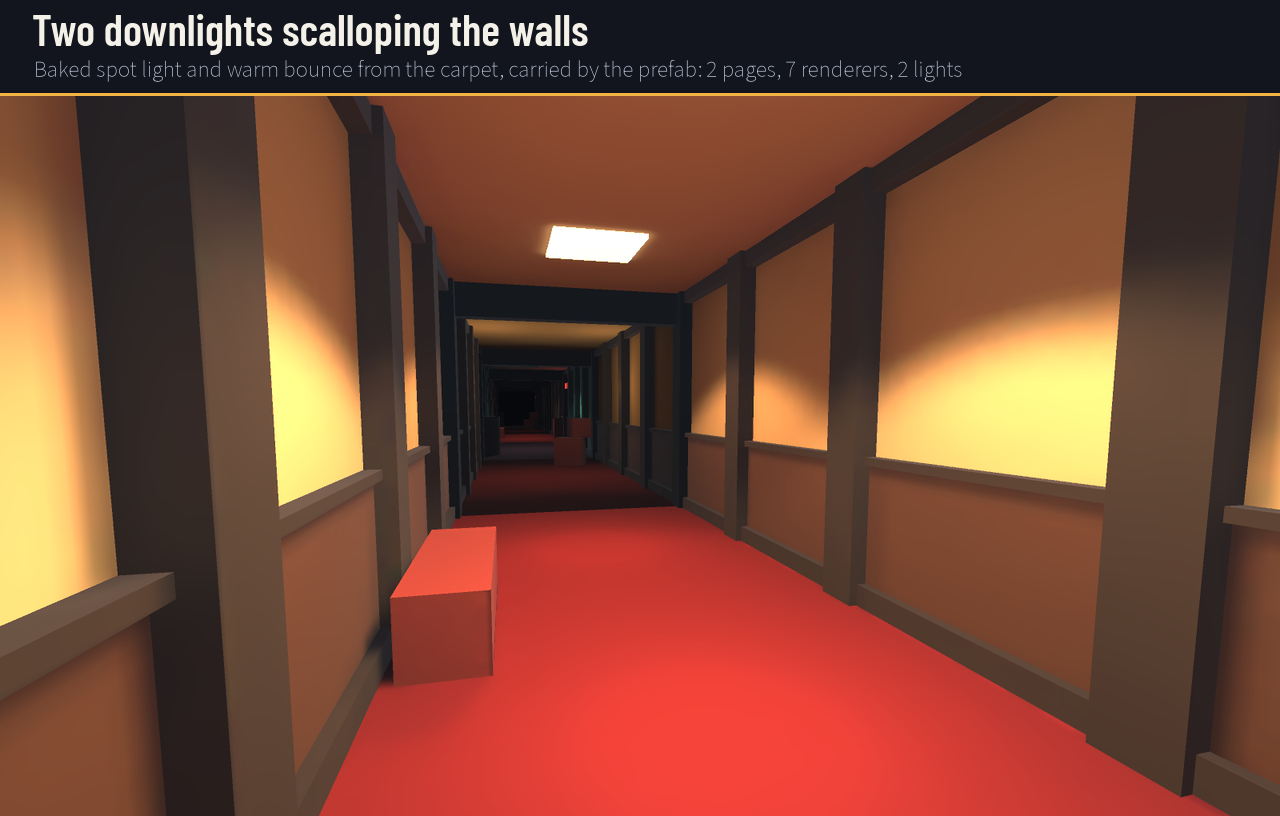
Open the demo scene and press Play. It has no baked lighting of its own. Nine copies of three baked hallway rooms (warm downlights, wall sconces, a teal service light with a red exit glow) are spawned end to end, and the camera flies down them, recycling the segment behind it like a pooled endless hallway. Press Space to switch Roomlight off and on.
Good to know
- Unity 6, tested on 6000.5.7f1 with the Built-in Render Pipeline. URP and HDRP were not tested for this version.
- Baked lights are tested. Mixed lights are recorded and restored the same way but were not tested for this version.
- Light probes are not baked per room: moving characters in a spawned room use the scene's probes.
- Rooms you rotate at spawn should be baked Non-Directional (directional lightmaps store world-space direction).
- Full C# source in three assemblies, a numbered guide, and a demo scene. No Resources folder.
From the same studio
More Unity editor tools: Ledgeline generates the jump-up, drop and gap NavMesh links Unity's bake leaves out, and Typecase turns a pixel font PNG sheet into a TextMesh Pro font asset. And if you would rather play than build: SIDELONG, our latest game.
AI disclosure: Roomlight's code and documentation are AI-written, and the demo rooms and store images were built and rendered by an AI agent from code.
Purchase
In order to download this tool you must purchase it at or above the minimum price of $9.99 USD. You will get access to the following files:
Development log
Leave a comment
Log in with itch.io to leave a comment.